Press

MingleTrivia: Party Trivia With Friends. One iPhone or iPad hosts, and everyone else plays on their own phone, in the app or a browser. Released on the App Store November 6, 2026.

For press

Story angles

Lead angle

Pass the gravy, not the App Store password

Zero downloads, zero accounts, zero tech support for Grandma — for everyone at the table but the host.

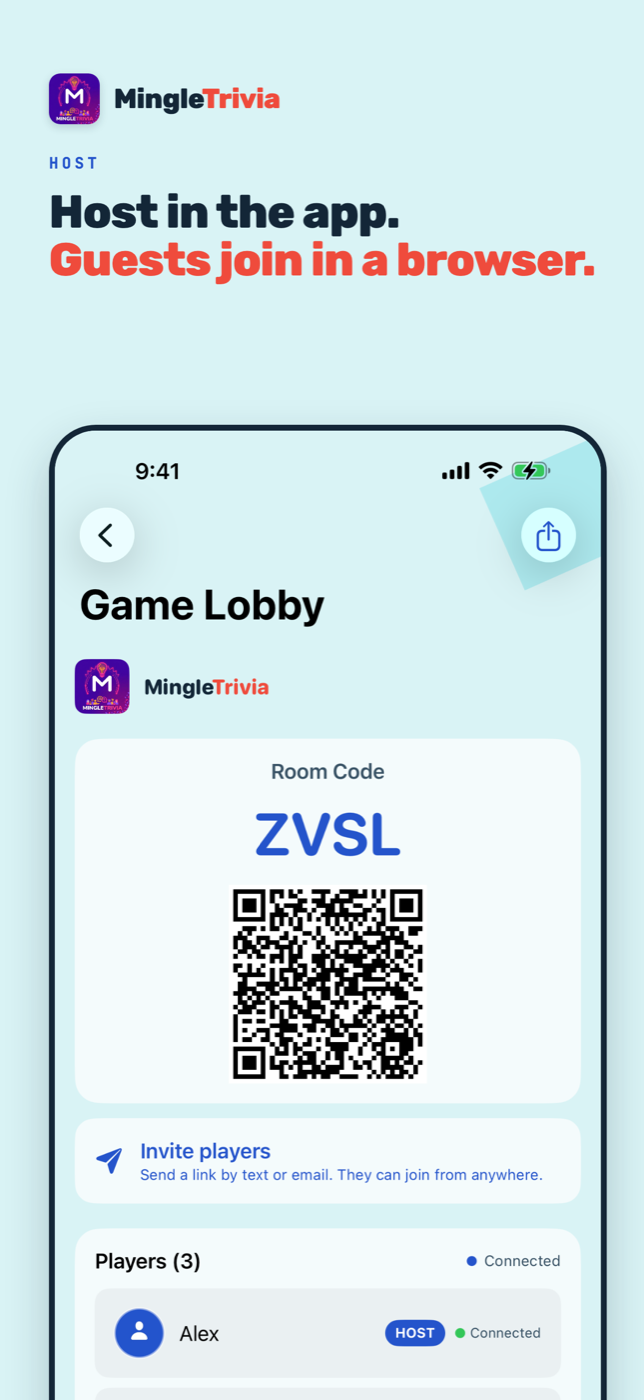
Don’t spend holiday dinner explaining how to reset an App Store password. One person hosts on an iPhone or iPad; everyone else scans the host’s QR code and joins from their phone’s browser. No app, no account, no ads. Ready to play before the food gets cold.

The ask: holiday gift guides and family tech stories. Dozens of trivia packs, including holiday sets; guests play with just a display name and initials.
Second angle

The screen that combats screen time

Finally, screen time that brings the room together.

Screens aren’t going away, so MingleTrivia flips how they’re used. Instead of six people on six separate feeds, one host taps play, the room scans a QR code, and suddenly everyone is looking up, laughing, and competing. Come for the trivia, stay for the mingle.

The ask: screen-time, parenting, and social-connection stories. Free rooms hold 20 players; up to 40 with MingleTrivia Host.

  • Nov 6, 2026App Store release
  • 40 playersper room with Host; free rooms hold 20
  • 50 setsquestion sets
  • $4.99 / $39.99Host, monthly or yearly

Approved description

Party Trivia With Friends

One host. Every phone in play. Host on iPhone or iPad, then let friends scan a QR code and join in their browser. No guest download or account needed.

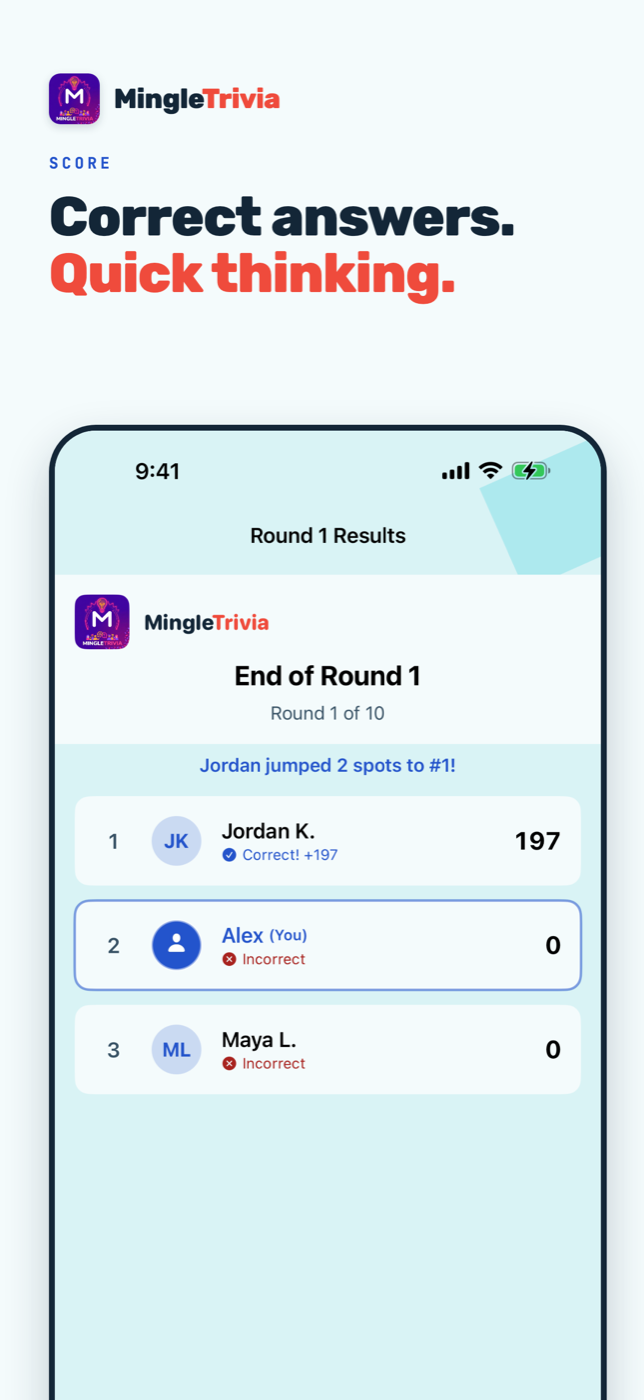
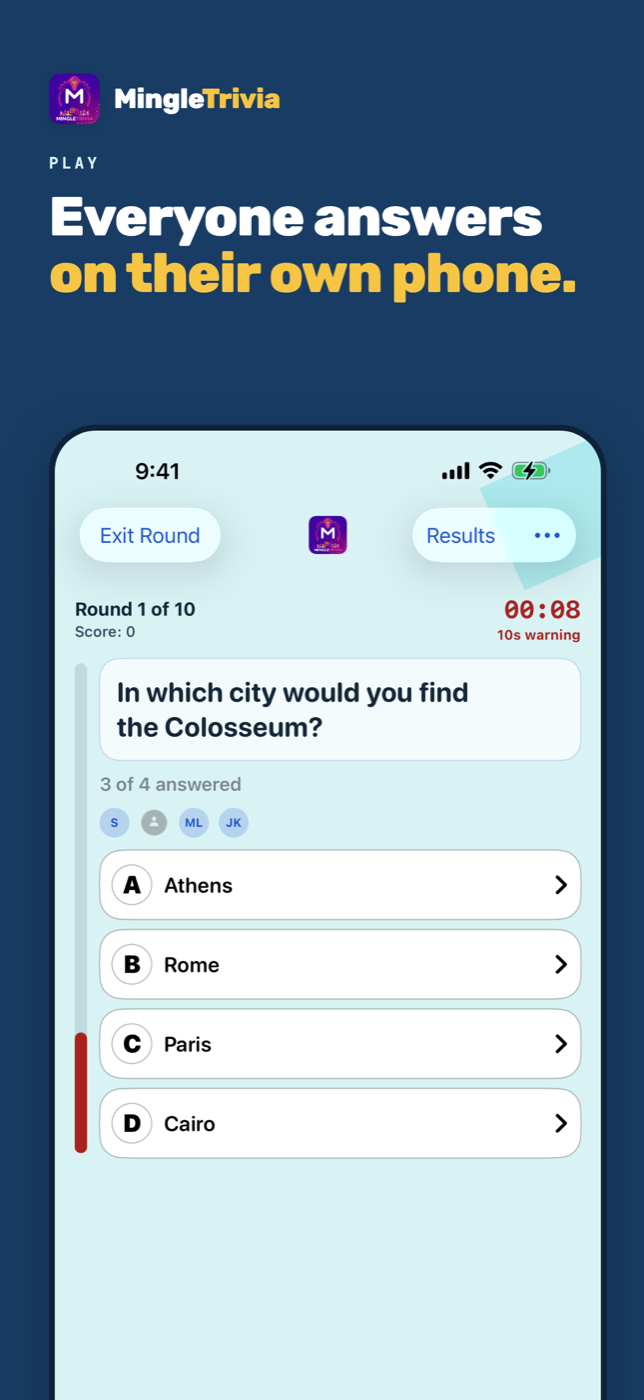
Bring everyone into trivia night. Host a game with MingleTrivia on iPhone or iPad, and friends join on their own phones using the app or a mobile browser. Browser guests need no app download or account. HOST IN THE APP. FRIENDS JOIN IN THEIR BROWSER. 1. The host opens MingleTrivia, chooses a question set, and creates a room. 2. Guests in the room scan the lobby QR code. Friends anywhere else join with the room code, shared by text or email. 3. Enter a display name and join the lobby. Safari and Chrome browser guests play alongside guests using the app. 4. When the host starts, everyone sees the question and answer choices on their own screen. Choose an answer and press Submit Answer before time runs out. Correct answers earn points, with bonuses for speed. Compare scores between rounds and see who finishes on top. Keep your browser tab open to join the host's next game. 50 QUESTION SETS. 2,500 QUESTIONS. Explore 15 categories, including general knowledge, movies, music, TV, science, sports, geography, history, food, and nature. Search for a topic, save favorite categories, and choose your difficulty. MAKE IT YOUR GAME Choose a quick three-round game or play up to 15 rounds. The default is 10. Rooms support up to 20 players on the free allowance and up to 40 with MingleTrivia Host. Every participating device needs internet access over Wi-Fi or cellular. PLAY SOLO IN THE APP Practice on one device with Play Solo. Solo play does not consume your first hosted-game allowance. Hosting and solo play use the iPhone or iPad app; browser play is for guests joining a hosted room. GUESTS JOIN FREE Joining a game is free in the app and in the browser. Browser guests use a display name and initials avatar, with no camera or photo required. MINGLETRIVIA HOST Your first hosted game is free. Further hosting requires MingleTrivia Host, which unlocks all question sets, unlimited hosted games, and rooms of up to 40 players. Choose $4.99/month or $39.99/year in the US; localized prices are shown in the app. MingleTrivia Host is an auto-renewable subscription. Payment is charged to your Apple Account at confirmation. The subscription renews unless canceled at least 24 hours before the current period ends. Manage or cancel in your Apple Account subscription settings. Restore Purchases is available in the app. Privacy Policy: https://mingletrivia.com/privacy Terms of Use: https://mingletrivia.com/terms

App Store screenshots

iPhone screenshots

Resized for the web. Contact us for full-resolution files.

Press kit

Icon and share image

Use the assets as supplied. Do not recolor, stretch, or add effects to the mark. Always write the name as one word: MingleTrivia.

MingleTrivia app icon
App icon
Download PNG
MingleTrivia share image
Share image, 1200 x 630
Download PNG

Contact

Questions

Email support@mingletrivia.com for interviews, review codes, and product questions. Security researchers: security@mingletrivia.com.