For hosts
Host kit
Come for the trivia. Stay for the mingle. Everything you need to promote your game night.
Only the host needs the app (iPhone or iPad). Guests can play in their phone's browser at mingletrivia.com/play, or in the app, with no account needed.
Anyone who isn't there can join from a text. Share the invite link from the game lobby and they play in their phone's browser.
Posters
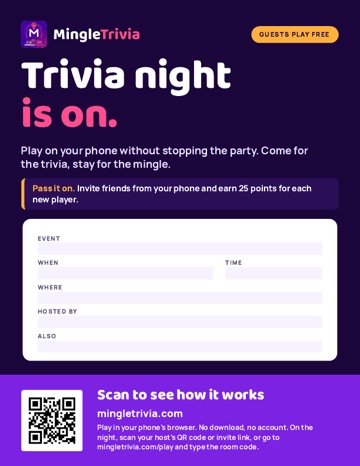
Letter poster, 8.5 x 11 PDF
Letter poster, type in
Open it in free Adobe Acrobat Reader, type your day, time and place into the white panel, then print.
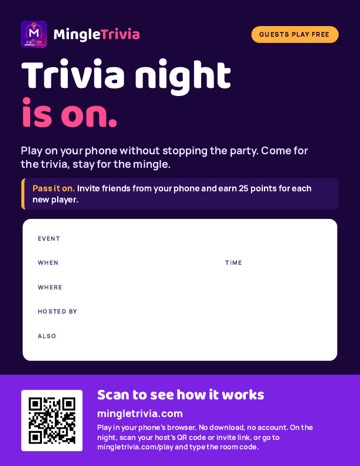
Letter poster, 8.5 x 11 PDF
Letter poster, write on
Print it and write your details in the white panel with a marker.
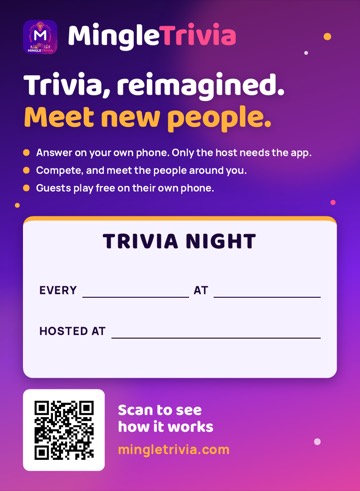
Venue poster, 11 x 15 PDF
Venue poster, 11 x 15
For windows and walls. Two files: the "print shop" file has 0.125 in bleed (ask the shop to trim to 11 x 15); the "check layout" file is the finished size. Write your day, time and place in the white panel with a marker.
Download PDF, print shop (2.1 MB): venue poster 11 x 15 with bleed Download PDF, check layout (2.1 MB): venue poster 11 x 15 finished size
Guide
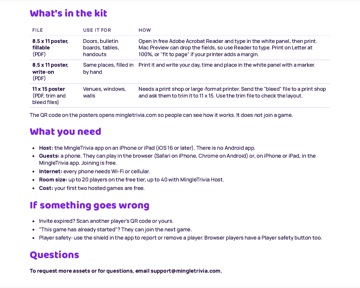
Guide, PDF
Host guide
How to set up, fill the room, run the night and play again.
Notes
- Every phone needs internet, Wi-Fi or cellular.
- Rooms hold 20 players free and 40 with MingleTrivia Host. Your first two hosted games are free.
- Pass it on: Needs version 1.2 of the app. If any guests are joining through version 1.1 of the app, Pass it on should be turned off. Those guests can also join in the browser at mingletrivia.com/play.
- Commercial venues need a MingleTrivia venue license: support@mingletrivia.com.
- To request more assets or for questions, email support@mingletrivia.com.